Whether it’s a haircut, a photoshoot, or a consultation: with a booking form, customers schedule themselves in — within the times and rules you set.
A booking is a reservation with your own rules: which services, how long, when, and how many at once. The form only shows what’s genuinely possible — the rest takes care of itself.
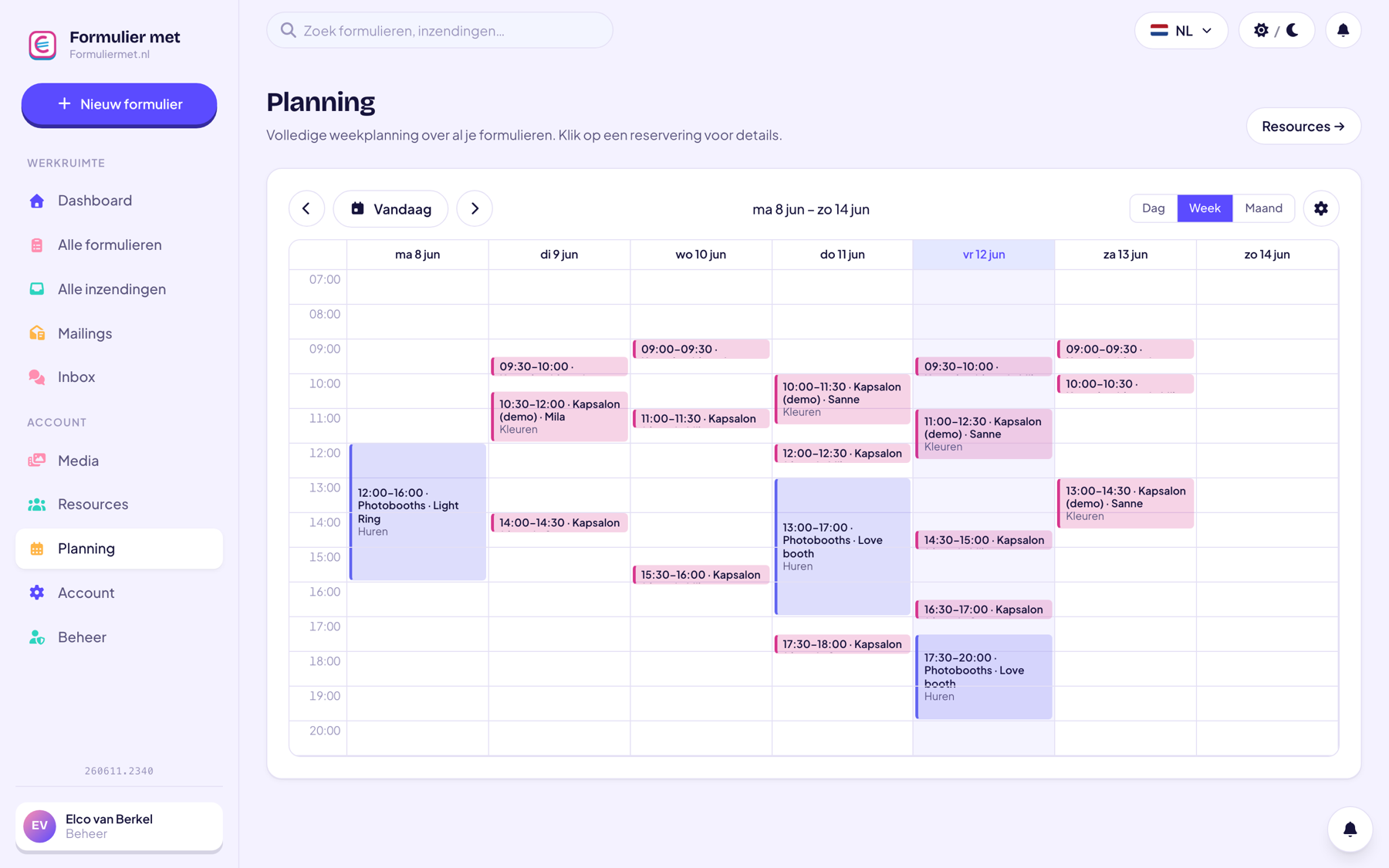
The moment a customer books, the confirmation goes out automatically, the appointment appears in your calendar, and the customer can cancel it themselves. Less back-and-forth emailing, fewer no-shows.
Schedule services and staff in plain language.
Create resources with duration and capacity — for example per staff member or treatment room.
A reservation field + name + email is enough. Add payment if you like.
Or embed the form on your own website. Bookings appear in your calendar right away.
For service providers who’d rather have a full calendar than an empty one.
Everything works together in the same form — combine whatever you need.
Technically they’re the same building blocks; the difference is in how you set them up. Bookings are about appointments for a service (with a duration per service), while reservations are often about time slots or capacity. Both use the same calendar and resources.
A deposit via iDEAL works best: whoever has paid something, shows up. You set the amount yourself — from symbolic to full.
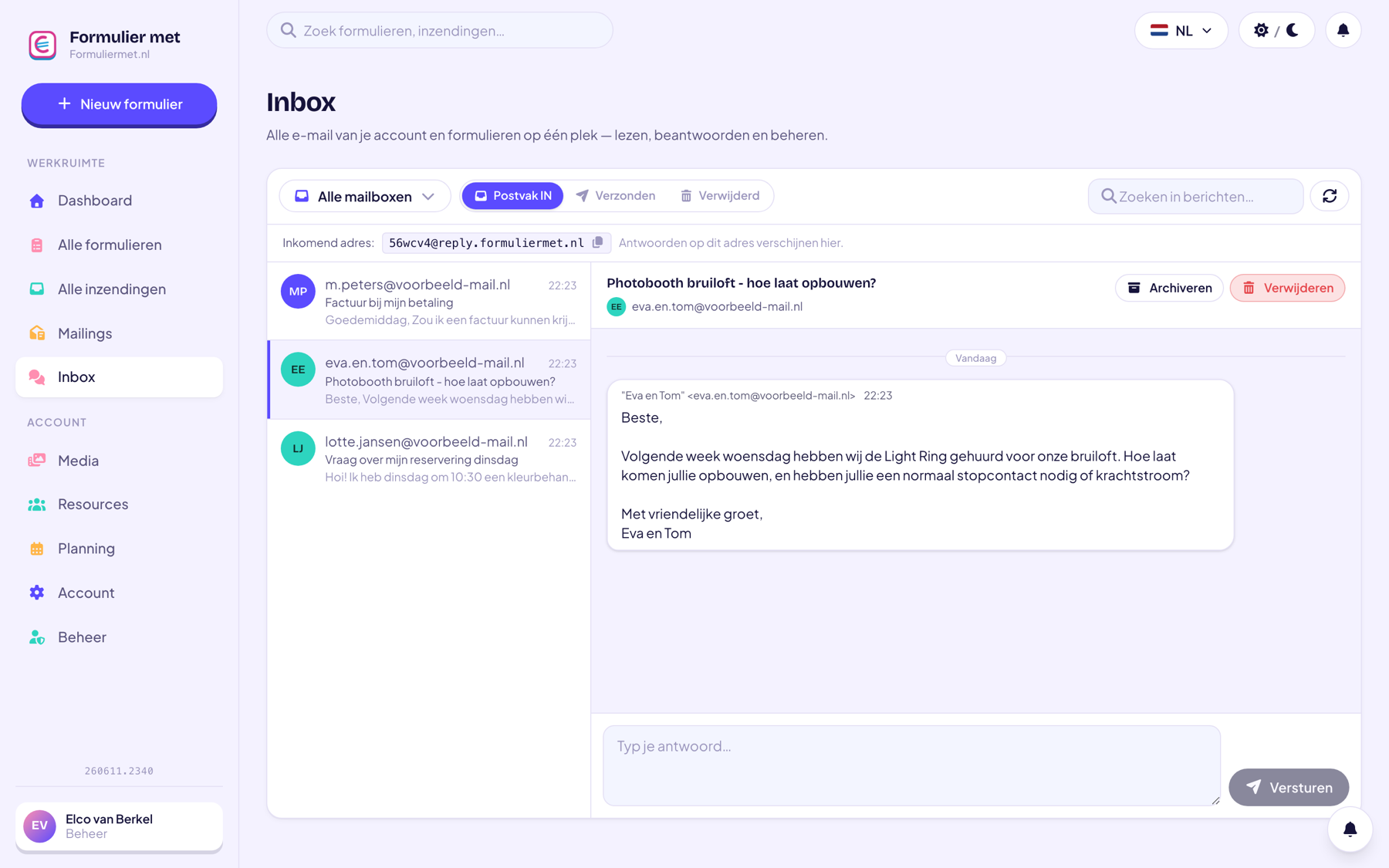
The customer can cancel themselves via a secure link in the confirmation email — the time slot immediately becomes available again. Rescheduling you do together: the customer replies to the confirmation and you move the booking in a few clicks from your schedule.
Yes: give the resource a capacity (for example 8 spots per class) and let participants book until the class is full.
Your booking form will be live within a quarter of an hour — including calendar and confirmation emails.