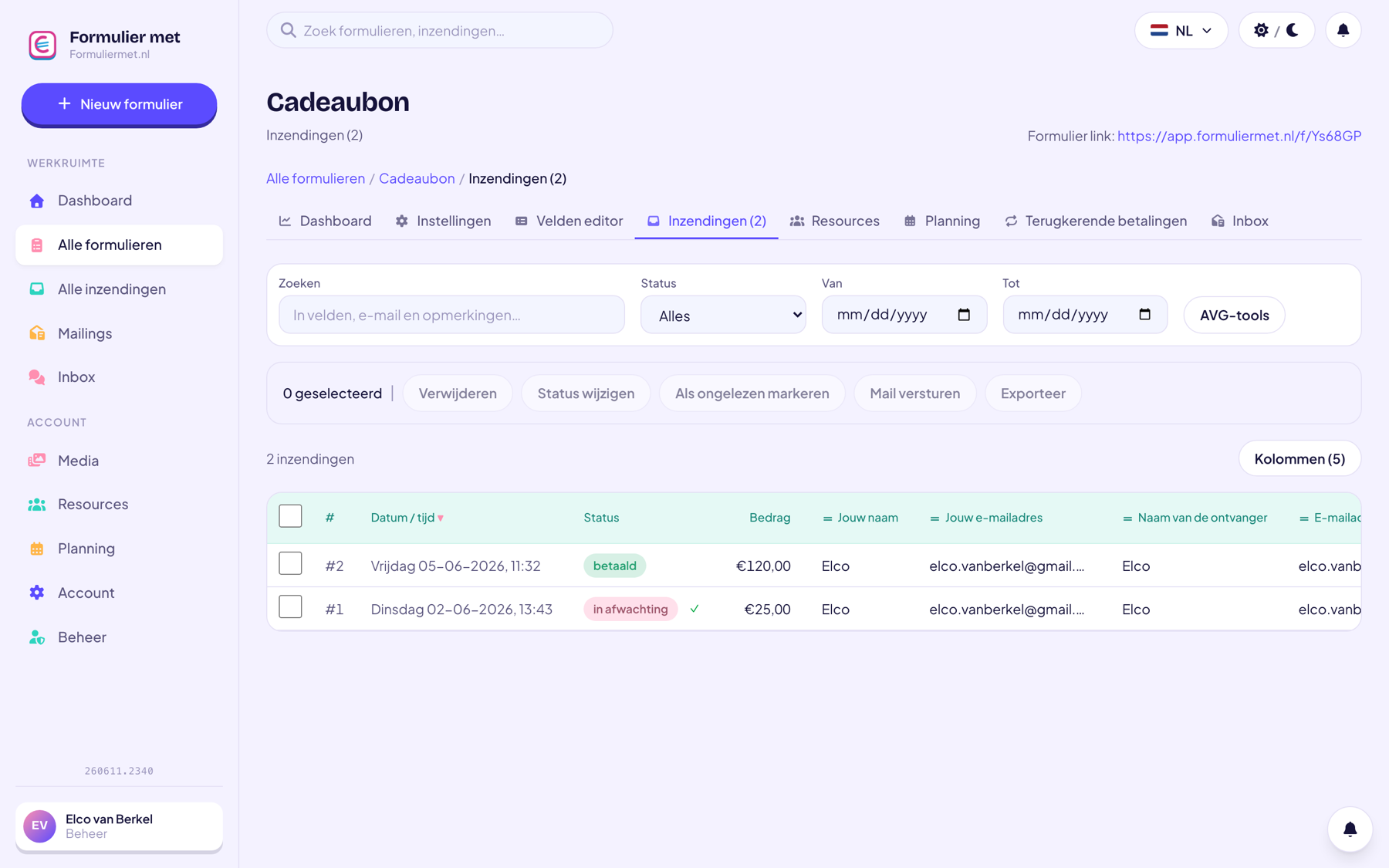
Whether it’s a course, a clinic, a tournament, or a summer camp: with a registration form, participants sign up and pay right away. You download the participant list with one click.
Everything you used to track in emails and Excel now happens automatically: registrations trickle in, payments get linked, and the overview in your dashboard is always up to date.
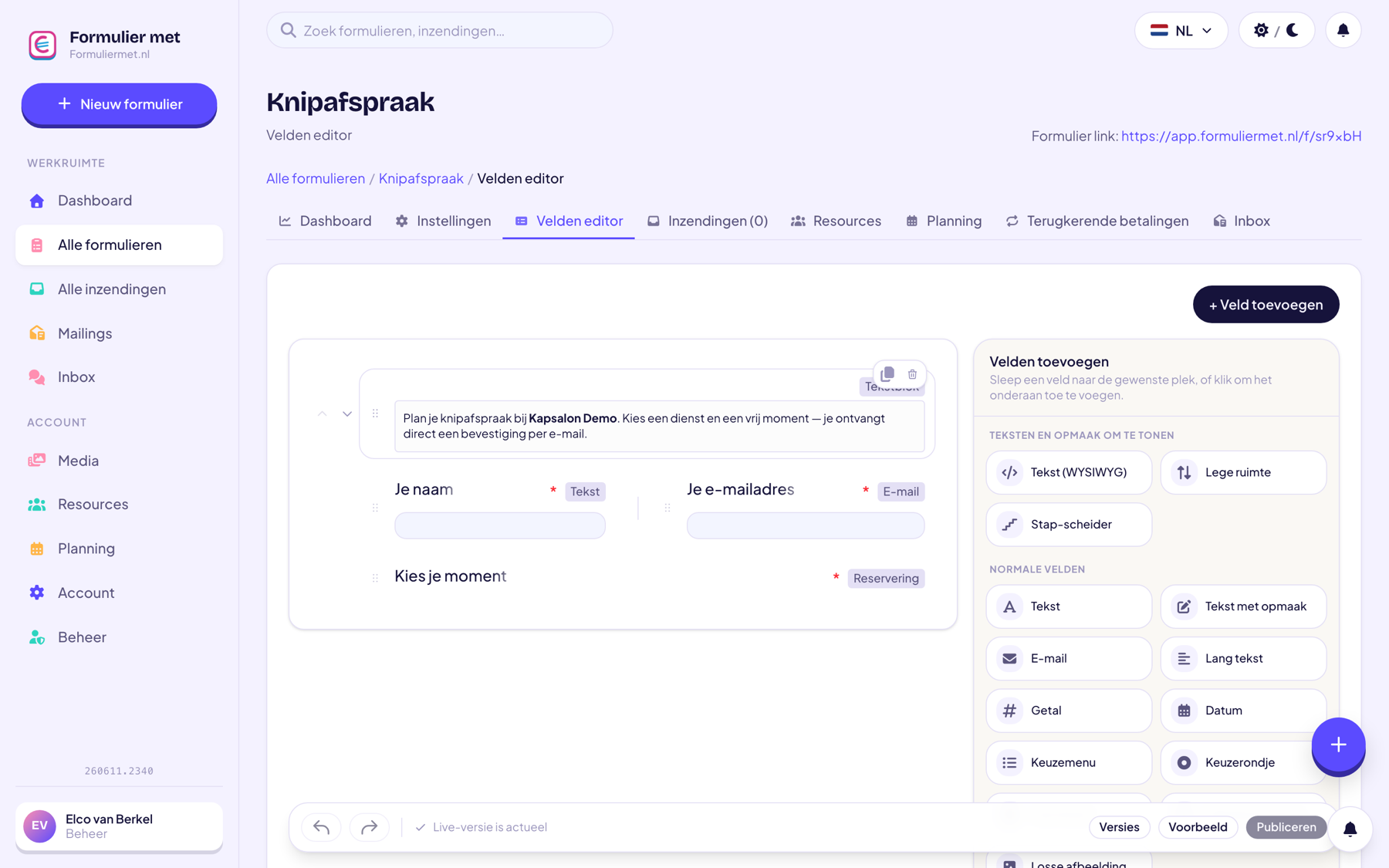
A children’s show needs different information than a first-aid course. With nineteen field types and conditional logic, you build exactly the form your registration needs.
Let the assistant build your registration form and handle sign-ups.
The registration template includes the basic fields; adjust whatever you like.
Course dates, packages, or groups as a choice, each with its own price.
Share the link, embed the form on your site, or put up the QR poster.
For organizers of courses, events, and club activities.
Everything works together in the same form — combine whatever you need.
Yes, as a dropdown or product fields with their own prices. With conditional fields, you show follow-up questions only for the chosen option.
Every registration has a payment status that’s updated automatically. Filter by outstanding and send a payment reminder with one click (or automatically).
Set a maximum and turn on the waitlist. New registrants join the waitlist; as soon as a spot opens up, you invite someone with one click via a personal link that skips the waitlist.
Yes, with RSVP invitations. You send each guest their own link and track, per person, whether the invitation was opened, whether they registered, and whether they paid.
Yes, as a CSV — ready to open directly in Excel or Numbers. For the door, you can also print an A4 attendance list or badges as a PDF.
Yes, with save-partway-through they get a personal link by email to continue later right where they left off.
Choose a template, set your prices, share it — and registrations start rolling in.