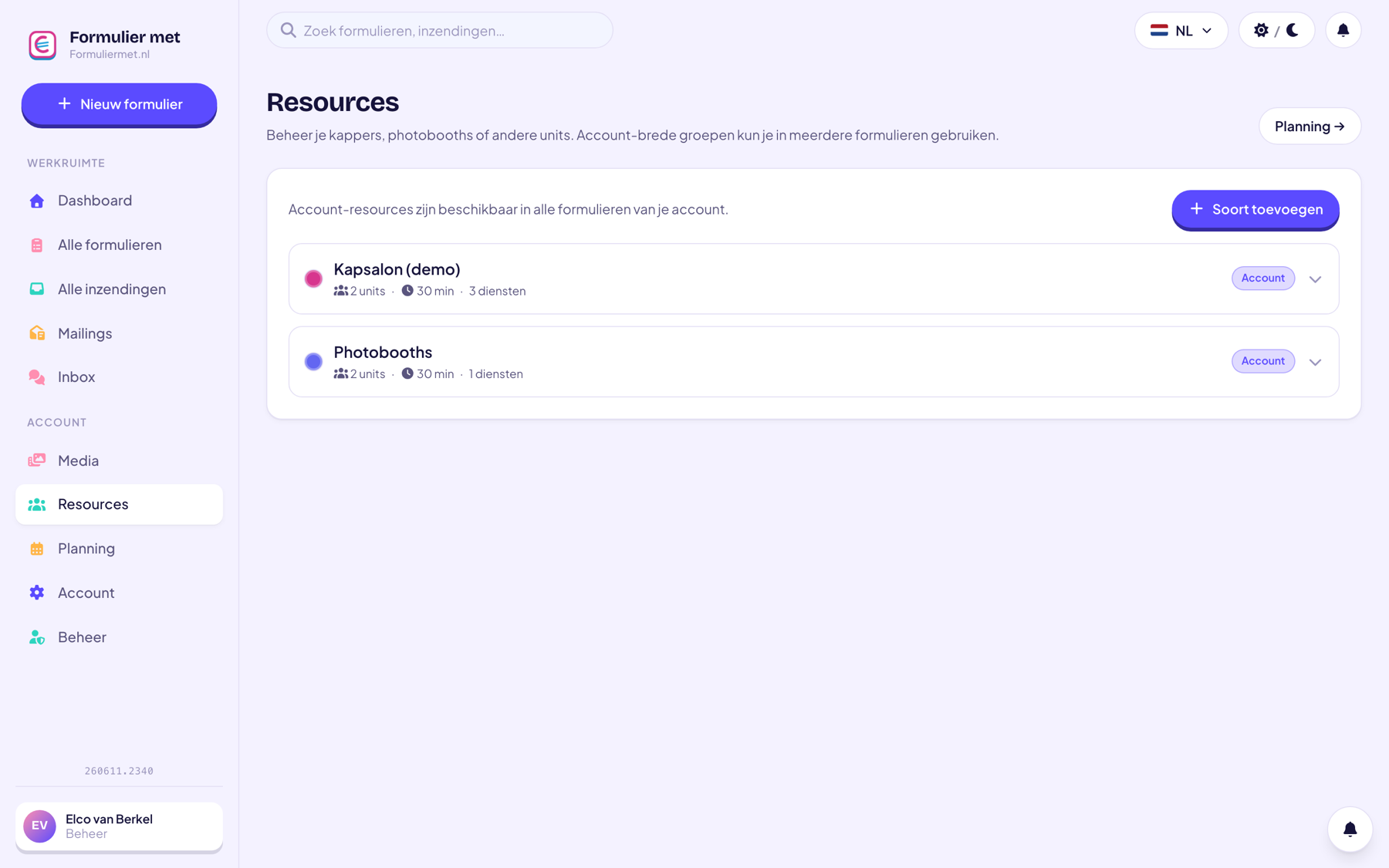
Manage what you rent out with resource types, units, and services. The system automatically calculates availability, so double bookings are impossible — and the deposit is charged to the customer right away.
Create resource types (for example ‘Photobooths’) to hold your units. Set opening hours and duration, and decide how many units there are — the system keeps track of the rest.
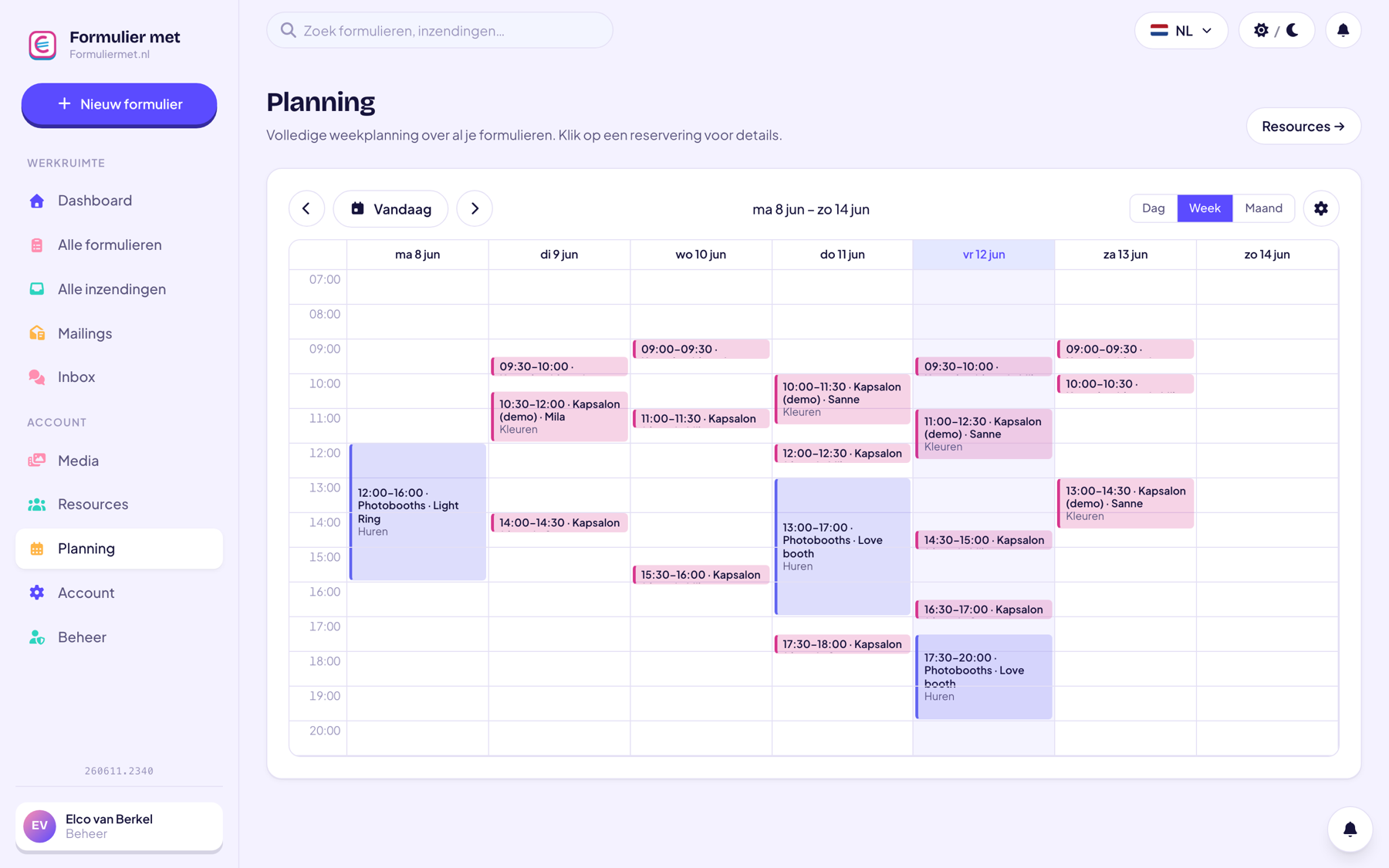
Every rental appears in your schedule, color-coded by resource type. That way you can see at a glance which booth is out the door on Saturday, and what’s still free for a last-minute request.
Manage your rental units and availability just by asking.
Create a resource type, add your units with a photo, and set availability.
Reservation field + customer details + a price or product field for rent and deposit.
Customers can only book what’s actually available; you see everything in the rental calendar.
For anyone renting out equipment, spaces, and everything in between.
Everything works together in the same form — combine whatever you need.
Yes, you create a resource group per type (for example ‘Photobooths’ and ‘Light sets’), each with its own units, colors, and availability.
Add a price field called ‘Deposit’ to your form; the customer pays it together with the rent. After the item is returned, you can easily refund it from your payment provider.
Yes, you decide the duration of a rental slot yourself — from one hour to several days — per resource type.
Temporarily block the unit in your schedule; the system will no longer offer it during that period.
Take your rentals online today — with automatic availability and payment upfront.