Formuliermet Form Builder

The form builder

Drag fields onto your form, configure them, and publish. With drafts, version history, and a live preview, you build without risk — and without writing a single line of code.

In short

What this gives you

20+ field typesText, date, product, donation, subscription, reservation, star rating, NPS, matrix, ranking, address, phone, signature, and more.
Calculation fieldsWork out a subtotal live from other fields (e.g. quantity × price) — and even use the outcome as a condition.
File uploadLet respondents attach a file (with type and size checks).
Conditional fields & sectionsShow questions or entire sections only when they're relevant — optionally compare two fields (≥/≤).
Multi-step with progressSplit long forms into steps with a progress bar — or show one question per screen.
Smart limitsOne submission per email address, and respondents can edit their own submission later via a link.
Drafts & 30 versionsWork safely in a draft, publish deliberately, and roll back to a previous version whenever you need to.
Templates to start fromRegistration, donation, order, contact, survey, or event — a working base in one click.
The builder

Drag, drop, done

Your field palette on the left, your form in the middle, and the settings for the selected field on the right. Everything responds instantly — what you build is what your respondents see.

  • Drag or click — add fields however works best for you.
  • Per field: label, required, placeholder, translations, and conditions.
  • Live preview of the public form as you build.
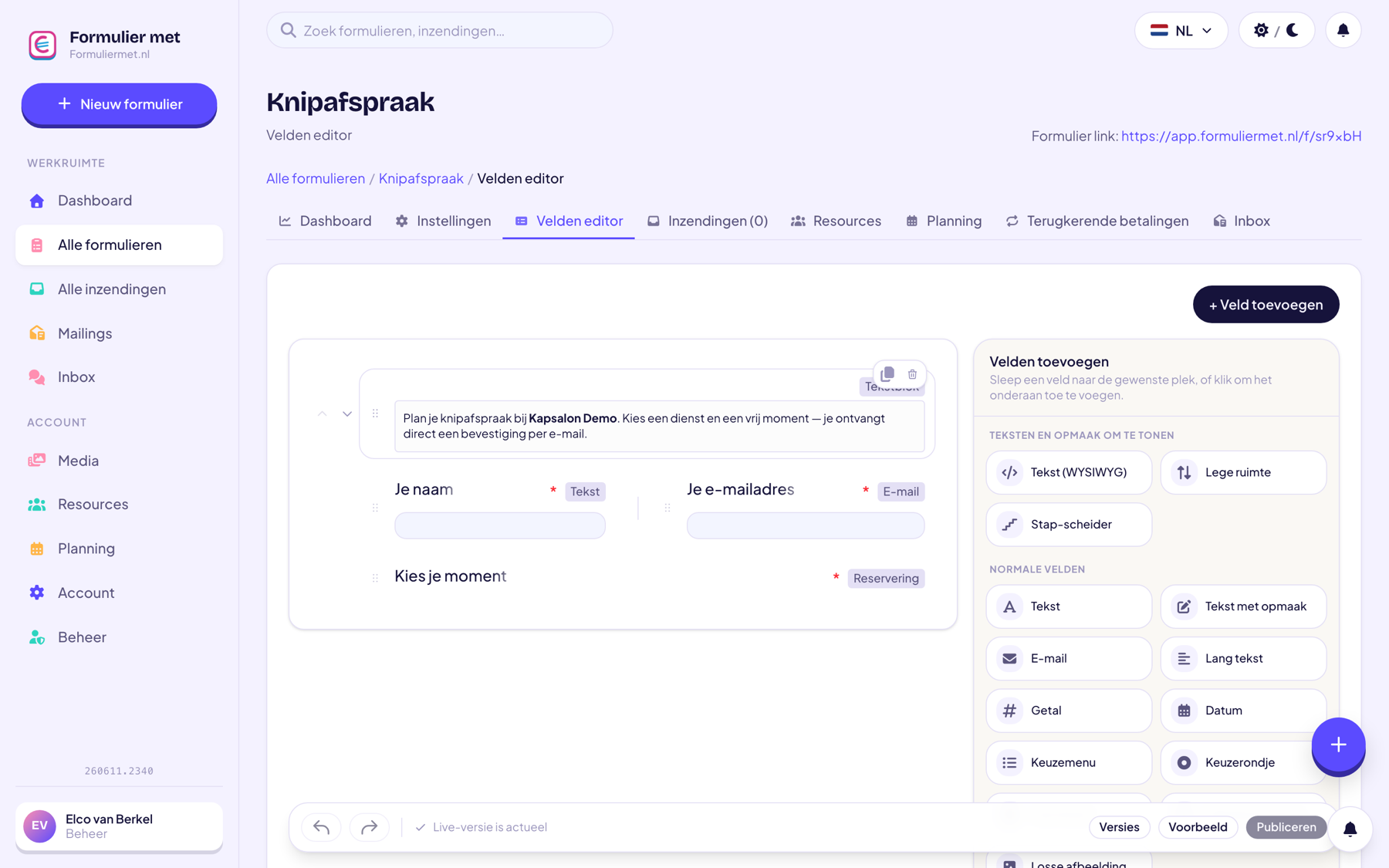
app.formuliermet.nl/forms/bouwen
The drag-and-drop form builder
Risk-free

Drafts, versions, and your own branding

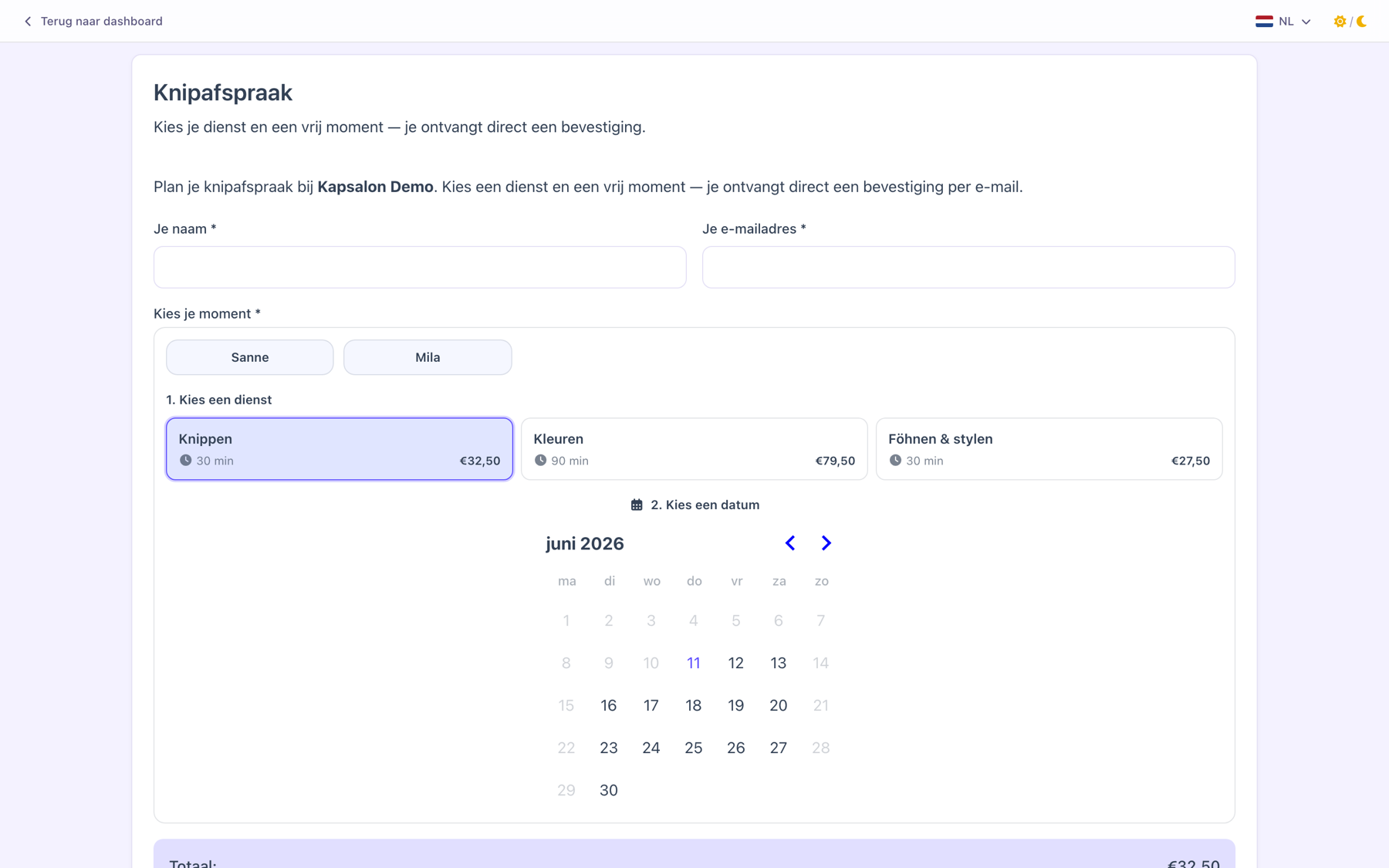
You don't just rebuild a live form on the fly. That's why you work in a draft that only becomes visible once you publish — and earlier versions stay saved so you can always go back.

  • Up to 30 versions back; for every submission you can see which version it was made with.
  • Your own logo, colors, and form styles for a form that matches your brand.
  • Multilingual fields — one form, multiple languages.
app.formuliermet.nl/f/jouw-formulier
The published form in your own branding

Or let the AI assistant do it

Build and adjust your form without dragging anything — just say what you want.

“Create a contact form with name, email, and message”“Add a calculation field that works out quantity × price”“Turn on one submission per email address”
Discover the AI assistant
How it works

From blank to live in 3 steps

01

Choose a template or start blank

Five ready-made templates give you a flying start.

02

Drag & configure

Add fields, set conditions, choose a style — all without code.

03

Publish

One click and your form goes live at its own address, ready to share.

Who it's for

Widely used by

For everyone — the builder is at the heart of every form.

Combine with

Related features

Everything works together in the same form — combine freely whatever you need.

FAQ

Questions about the form builder

Do I need to know how to code?

No, zero code. Everything works by dragging, clicking, and filling things in. The only time you touch code is if you want to embed the form on your own website — then you paste one ready-made snippet.

Can I duplicate a form?

Yes, handy for recurring events or variants: duplicate the form and only adjust the differences.

What happens to submissions if I change my form?

Nothing — existing submissions stay intact and remember which form version they were made with. That way your data always stays accurate.

Can I see where people drop off?

Yes, with multi-step forms you can see per step how many people continue — so you can spot the drop-off point and improve your form. See statistics.

Build your first form

Free account, pick a template, and within five minutes you'll have something that works.